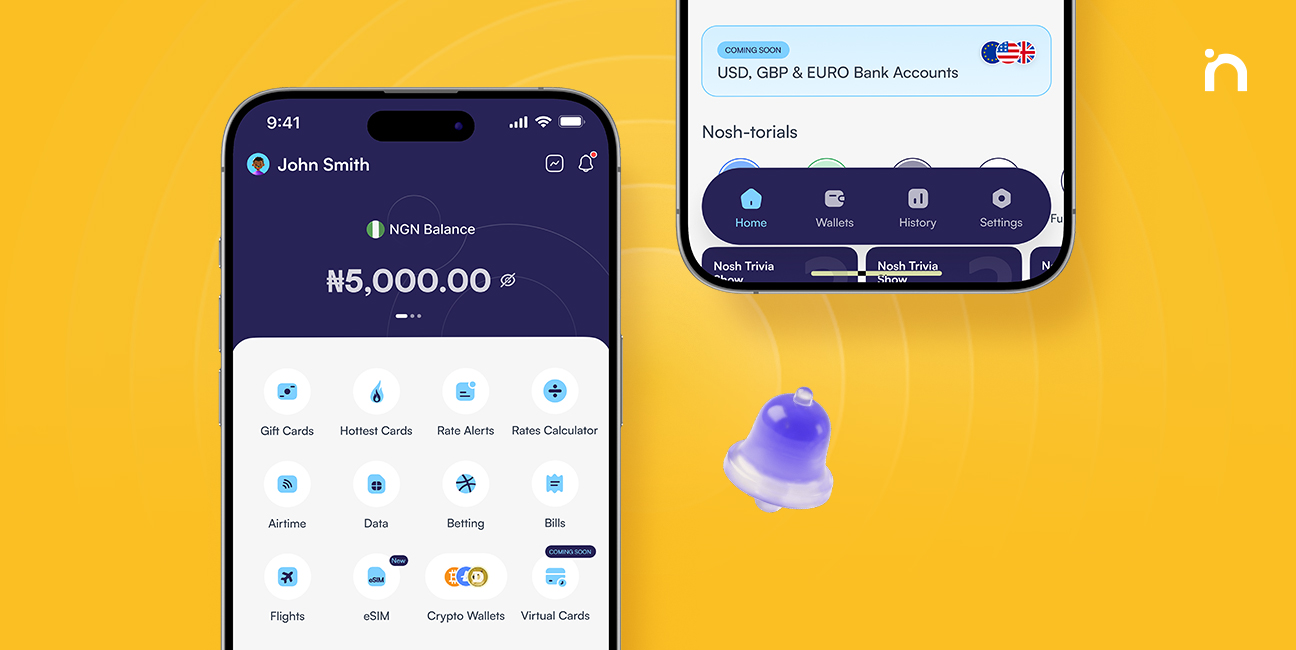
We’re always looking for ways to make using NOSH easier, safer, and more transparent. Since the launch of Usenosh 2.0 in October 2025, we’ve continued to improve the app with new features like international bill payments and eSIMs purchase.
Now, we’re bringing you our first major app-wide update since then. Usenosh 2.0.2 introduces a range of improvements designed to give you more control over your account, better visibility into your transactions, and a smoother experience across the app.
What’s New in Usenosh 2.0.2?
The latest updates have been grouped into a few key categories to make them easier to explore:
- Security & Privacy – New ways to protect your account and personal information.
- Transaction Tracking – Better visibility and details for your transactions.
- Payments & Bill Services – Easier ways to manage your bill payments and beneficiaries.
- Personalized Experience – Smarter recommendations and a smoother in-app journey.
- Help & Support – Easier access to useful information when you need it.
- Coming Soon – A sneak peek at new products you can join the waitlist for.
Now, let’s explore each category and find out the key updates under them.
1. Security and Privacy
Your security matters to us, so we’ve added new features to help you keep your account and financial information protected.
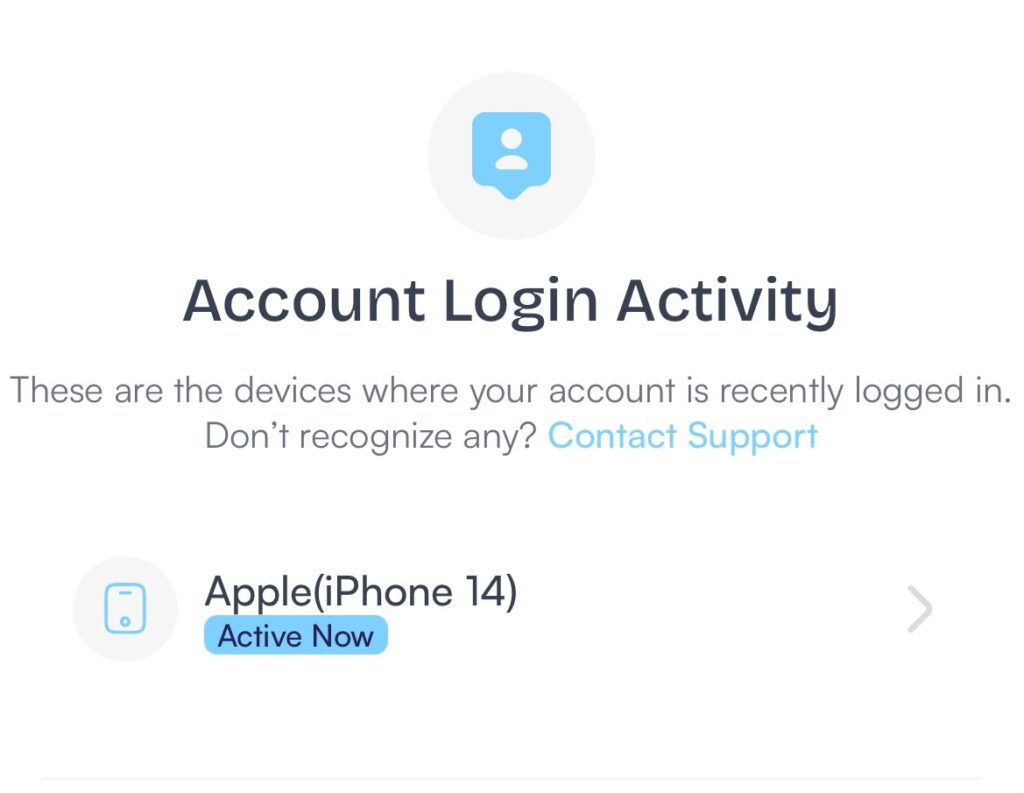
- See your login activity: You can now view your previous login records under Security Settings. This makes it easier to keep track of when your account has been accessed and spot activity you don’t recognize.
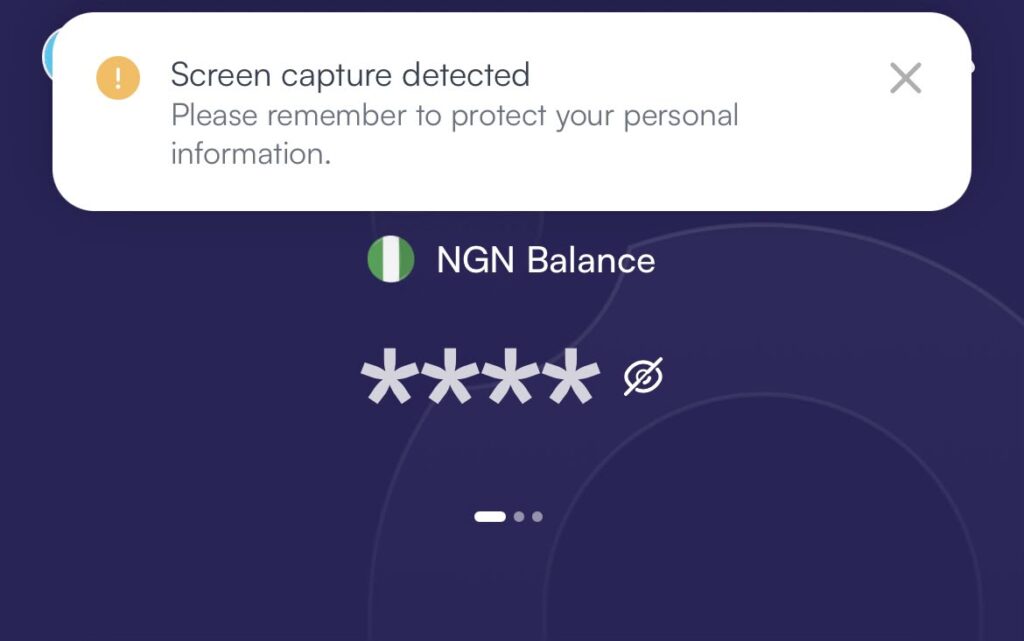
- Privacy reminder for screenshots: You’ll now see a privacy reminder whenever you take a screenshot within the app. This is a simple reminder to be careful when sharing screenshots that may contain sensitive information.
- Your app preview is now protected: When you minimize the NOSH app, your app preview will be blurred. This helps prevent your balance, transaction details, and other sensitive information from being visible in your recent apps.
2. Transaction Tracking
We’ve made it easier to understand and keep track of your money.
- See your balance before and after a transaction: Every transaction history entry now shows your Balance Before and Balance After. This gives you a clearer picture of how each transaction affects your wallet balance.
- Session IDs are now available for withdrawals: For withdrawal transactions, you can now find your Session ID on the transaction details page and on your transaction receipt. This makes it easier to reference and track your withdrawals when needed.
- Revamped Account Summary: Account Summary has been redesigned to give you a clearer view of your finances. You can now view your All, Income, and Expenses activity, and filter your transactions by month.
- Revamped Transaction History: It is now easier to find past transactions. You can view transactions across all categories in one feed and filter by month, without switching between categories. Transaction dates are also now visible directly on the history page.
3. Payments and Bill Services
Paying your bills just got more convenient.
- Beneficiaries: You can now select beneficiaries from previous purchases when making both local and international bill payments. Instead of entering the same details again, simply select a saved beneficiary and continue your payment.
- Context-Aware Clipboard: Entering recipient details is now easier. When you copy a phone number or wallet/account address, NOSH can recognize the information and make it easier to paste. This works when adding recipients for data, Naira bank accounts, GHS MoMo accounts, and USD crypto wallets.
- Phone Number Confirmation for Airtime & Data: To help prevent airtime or data purchases from going to the wrong number, you’ll now be asked to confirm the phone number before completing your purchase.
4. Personalized Experience
We’re also making it easier to discover other services you may find useful.
- Discover services after a transaction: After completing a successful transaction, you’ll now see recommendations for other NOSH services you can explore. For example, after completing a transaction, you might see: Recommended for you: Buy Gift Card. This makes it easier to discover more ways to use NOSH.
- Share your NOSH experience: Completed a successful transaction? You can now use the Tell a Friend button to easily share NOSH with others.
- Pick up right where you left off: When you log back into NOSH, you’ll be taken back to the page you were on before logging out, so you can continue without having to navigate through the app again.
5. Help and Support
We’ve also improved empty transaction pages. If you haven’t made a particular transaction yet, you’ll now see a CTA and a Learn More link that takes you to a helpful article explaining how that transaction works.
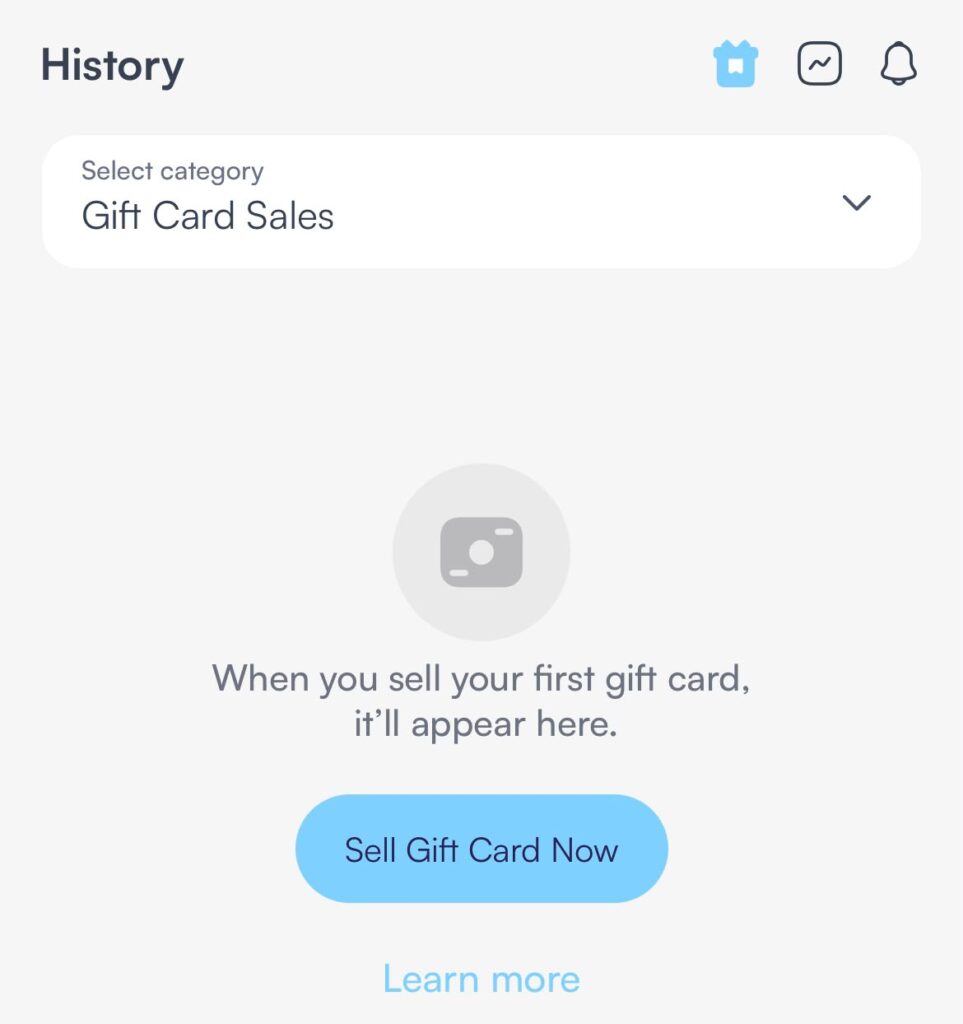
Whether you’re trying something new or simply want to understand a service better, help is now easier to find.
6. Coming Soon
We’re working on even more ways to help you manage your money.
Foreign bank accounts in USD, GBP, and EUR and Virtual Cards are coming soon.
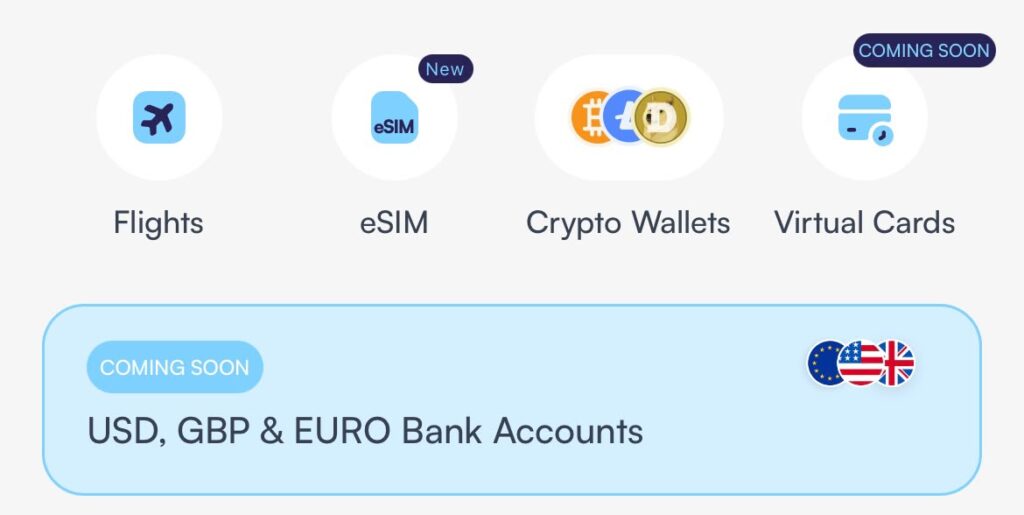
Want to be among the first to know when they’re available? Join the waitlist now from the app.
A Quick Look at the Updates
Here’s what you can now do with the latest NOSH update:
- View withdrawal Session IDs on your withdrawal transaction details and receipts for easier reference.
- Protect your privacy when taking screenshots with a privacy reminder that appears when you capture your screen.
- Keep your information private when multitasking with a blurred app preview when NOSH is minimized.
- Check your login history from Security Settings to see previous login activity on your account.
- Pay bills faster by selecting beneficiaries from your previous local and international bill payments, and easily copying details from your clipboard.
- Avoid erroneous airtime and data payments by confirming recipient details.
- Track your wallet balance more easily with your balance shown before and after every transaction.
- Join the waitlist for upcoming products, including USD, GBP and EUR foreign bank accounts and Virtual Cards.
- Share NOSH with friends using the new Tell a Friend button after completing a successful transaction.
- Pick up where you left off by returning to the exact page you were on before logging out.
- Discover more NOSH services through personalized recommendations shown after successful transactions.
- Get helpful information when you need it with updated empty transaction pages featuring a CTA and Learn More link to relevant guides.
- Easily navigate and get more details from your account summary and transaction history.
Update to NOSH 2.0.2 and experience the improvements for yourself.
Final Thoughts
With these updates, we’re making NOSH easier to navigate, more secure, and more transparent, while giving you more ways to get value from the app. And we’re not stopping here. Keep your app updated for more features and improvements coming your way.
You can download or update the app on Google Play Store or App Store. If you’re new here, create an account to get started on Nosh.