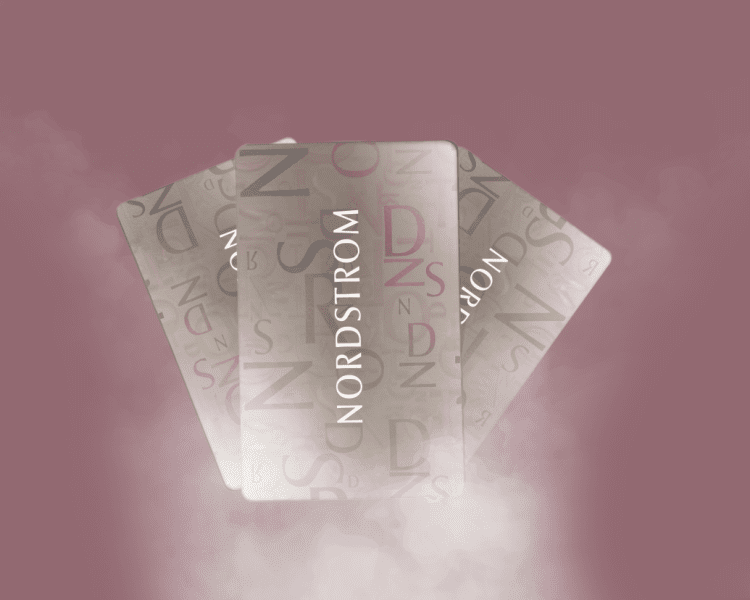
If you have received a Nordstrom gift card either as a holiday surprise or a birthday treat, then you are in for a big-time shopping experience!
However, first things first – checking the balance to know the worth of your Nordstrom gift card. To avoid an awkward moment of insufficient balance at checkout, it is important to check the balance of your Nordstrom gift card before embarking on that shopping journey.
I will be showing you simple steps to check your Nordstrom gift cards without delay in this article. Stay with me!
What is the Nordstrom Gift Card used for?
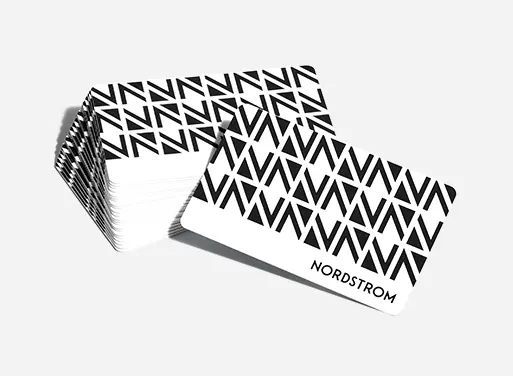
Nordstrom gift cards are a type of holiday gift card that can be used to shop for fashion items and accessories from Nordstrom. Yes, emphasis on “fashion items and accessories”. This includes a wide variety of clothing, shoes, accessories, home goods, beauty products, and more.
A Nordstrom gift card can be used in-store or online and is accepted at all Nordstrom locations, including Nordstrom Rack and Nordstrom Local. They are also available in physical and digital (e-gift cards) format, and in various denominations.
4 Easy Ways to Check Your Nordstrom Gift Card
There are methods through which you can check your Nordstrom gift card balance, and they include:
- Checking Nordstrom Gift Card Balance Online
- Checking Nordstrom Gift Card Balance In-Store
- Checking Nordstrom Gift Card Balance Via Customer Service
- Checking Nordstrom Gift Card Balance Via The Mobile App
Let’s dive into the steps involved in each of these methods.
How to Check Your Nordstrom Gift Card Online
Check your Nordstrom gift card balance online in just three steps:
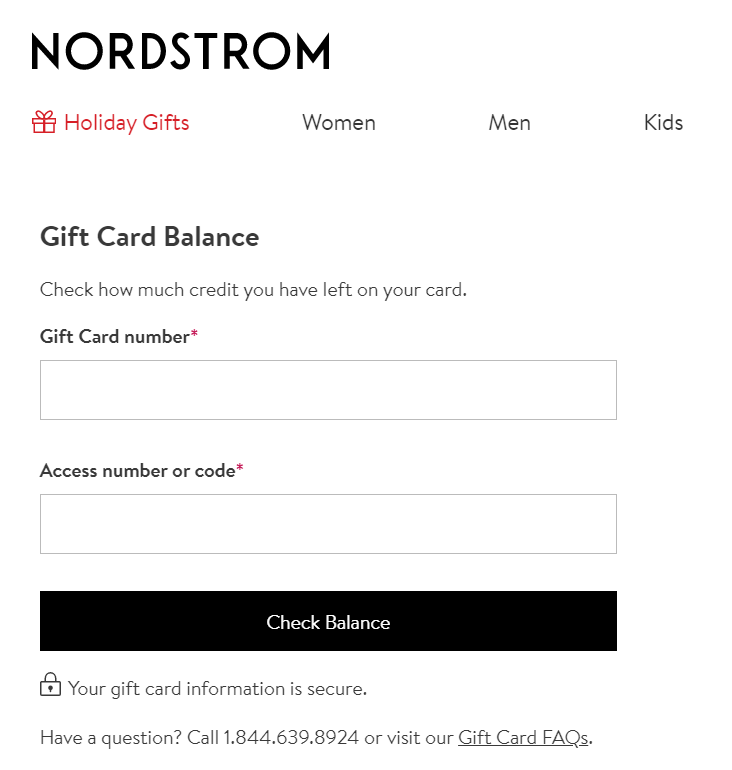
Step 1: Visit nordstrom.com/nordstrom-gift-cards.
Step 2: Enter your gift card number and access code on the back of your gift card.
Step 3: Click on “check balance” to have your balance displayed on the screen.
How to Check a Nordstrom Gift Card Balance In-Store
If you prefer to do things in person, you can check your Nordstrom gift card in-store by following the process below:
- Visit a Nordstrom store or Nordstrom Rack location near you.
- Locate the customer service rep or a cashier.
- Tender your physical gift card or a digital confirmation email.
- Your gift card will be scanned or manually entered to check the balance.
How to Check Your Nordstrom Gift Card Balance Via Customer Care
This can be done briskly using your phone. Here are the steps to take:
Step 1: Dial 1-800-964-1800 or 1-877-283-4045 to call NormStom customer service
Step 2: Listen to select the appropriate prompts
Step 3: Select your preferred language and the option to check your balance
Step 4: Provide the details of your gift card.
Step 5: You will get your balance either by an automated system or a customer service representative.
How to Check Your Nordstrom Gift Card Balance Via Mobile App
This method makes it easy for you to apply your gift card funds at checkout.
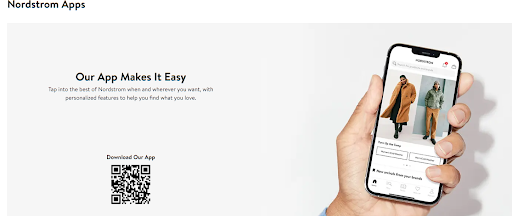
The steps below will guide you through this method:
Step 1: Download the Nordstrom App on iOS or Android
Step 2: Log in or create an account on the app.
Step 3: If you don’t have an account, sign up to create one.
Step 4: Locate the gift card section within the app.
Step 5: Enter your gift card number and access code
Step 6: Click on Check Balance
Also Read: Nordstrom Gift Card Error Messages And How To Solve Them.
Where can you use a Nordstrom Gift Card?
A Nordstrom gift card can be used at any Nordstrom store or on Nordstrom.com. This includes Nordstrom department stores, Nordstrom Rack stores, and Nordstrom Local stores. Nordstrom gift cards are accepted at all Nordstrom locations in the United States and Canada.
You can also sell your Nordstrom gift card for cash on a reliable platform like NOSH instantly at the best rate.
Frequently Asked Questions on How to Check Nordstrom Gift Card Balance
1. Can I transfer my Nordstrom Gift Card balance to another card?
No! Nordstrom gift cards do not feature the feature that allows you to transfer their balance to another card.
2. Do Nordstrom Gift Cards expire?
No, Nordstrom gift cards do not expire, nor do they have any associated charges.
3. Can you Combine Multiple Nordstrom Gift Cards?
Yes, you can combine multiple Nordstrom Gift cards to shop online or in-store.
4. Does Nordstrom accept other gift cards?
No! Nordstrom does not accept any gift card that’s not theirs!
5. Can I reload my Nordstrom Gift Card with more funds?
No, Nordstrom gift cards cannot be reloaded once used up.
Final Thought
This blog has shown that Nordstrom has provided multiple ways for users to check their gift card balance. Therefore, do yourself a favour by mastering how to check your gift card balance to maximize your Nordstrom gift cards!
Moreover, as a multiple card user, knowing how to check your balance will help you manage your balances across all your Nordstrom gift cards!