Last year my cousin sent me a blurry photo of her Apple gift card, and I couldn’t read a single digit through the glare. Guess what? We wasted a whole afternoon sorting it out.
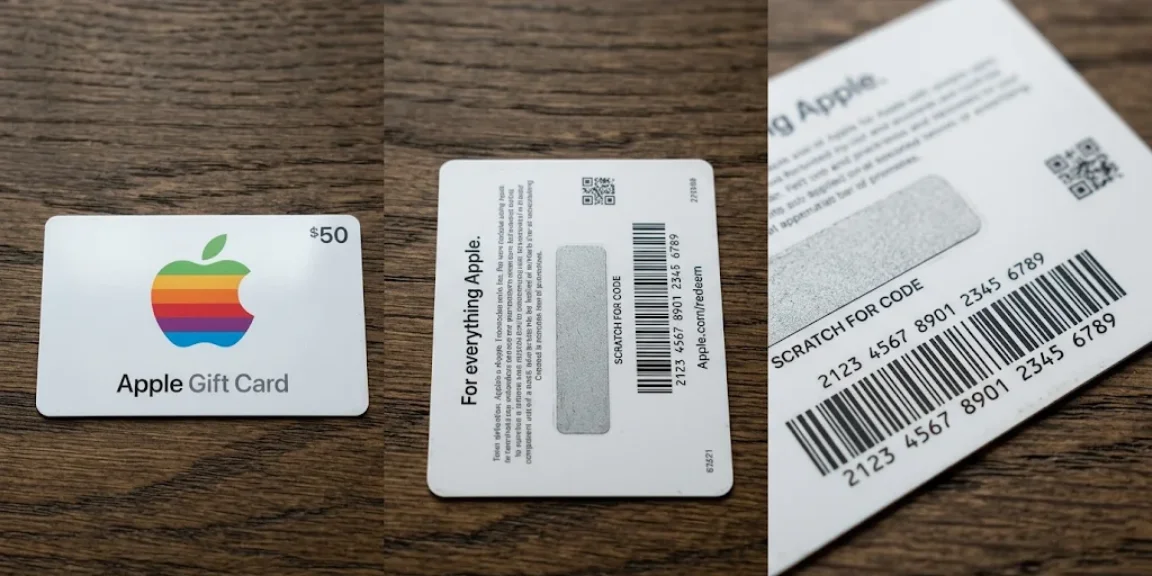
A good Apple gift card photo is a clear picture of the front and back, taken in even light without glare. It keeps the card number, scratch-off area, and barcode easy to read for your own records.
In this guide, I’ll show you how to take that photo on your device and keep it safe. You’ll also discover how to trade the card on Nosh in Nigeria or Ghana.
Description of the Apple Gift Card Picture
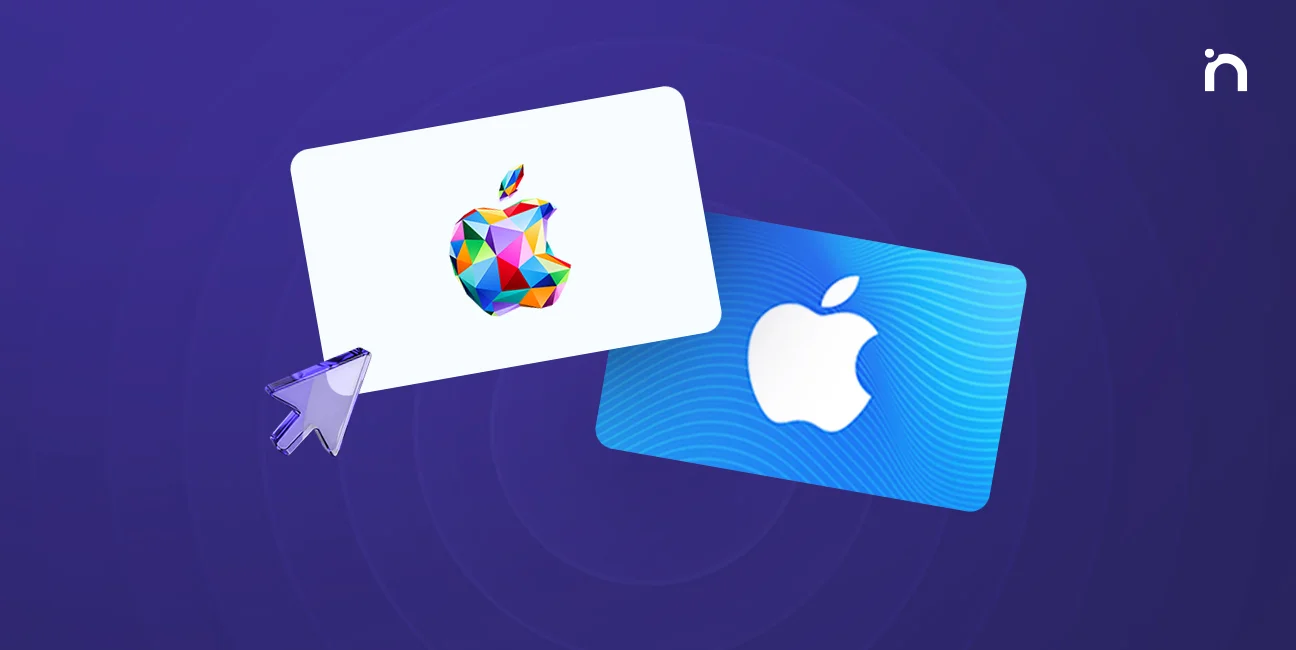
An Apple gift card typically features a clean, minimalist design that is instantly recognizable. On the front, you’ll see a colorful Apple logo set against a white or very light background, making the logo stand out vividly.
Modern physical cards are rectangular plastic or heavy cardstock with a vibrant iridescent geometric design along the border, adding a subtle but distinct touch of elegance. Digital Apple gift cards, on the other hand, showcase a dynamic graphical header with a colorful backdrop, designed to look sleek and engaging on your screen.
Older versions of Apple gift cards, such as those for the App Store and iTunes, often display a blue patterned background or solid color variations like blue or gray. These designs reflect the evolution of Apple gift cards from specialized cards for individual services into the unified card used today.
Understanding these visual markers helps you quickly identify a genuine Apple gift card and ensures your photos capture all necessary details clearly.
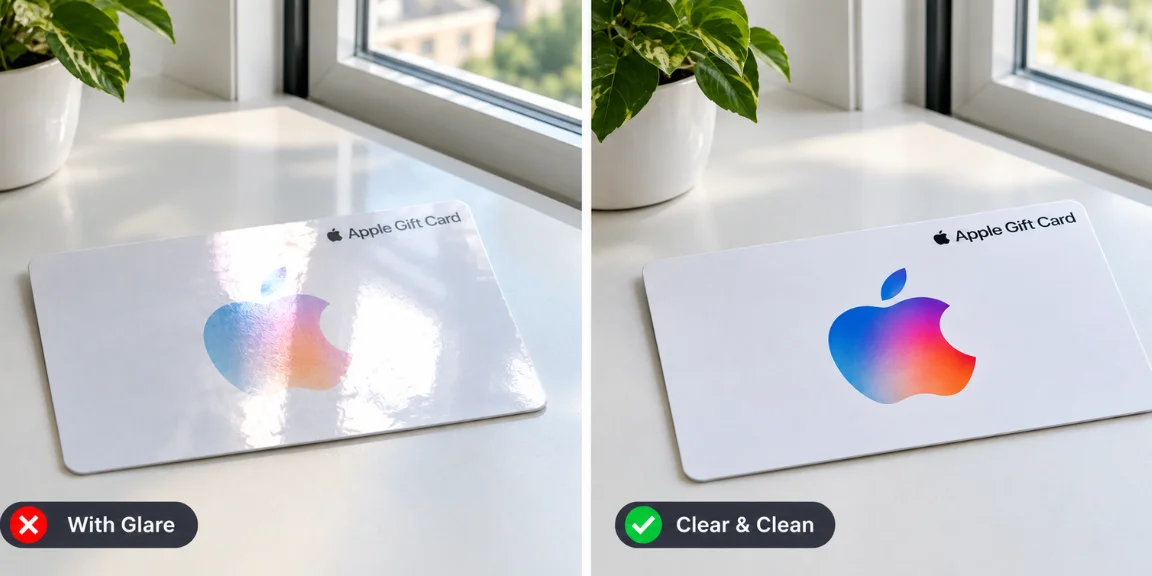
When photographing your card, make sure to include the entire front and back, showing the logo, card number, scratch-off area, and barcode without any glare or shadows. This clarity not only helps you keep a reliable record but also smooths the process when you trade or redeem your card.
Remember, Apple gift cards are intended for use within the Apple ecosystem – apps, games, music, movies, and more- and are redeemable both online and in Apple Stores. Avoid using them for non-Apple purchases to prevent scams, as Apple advises. For more details on how to use and trade your card safely, visit Apple’s official website or explore our comprehensive guides here on Nosh.
When Do I Need a Photo of My Apple Gift Card?
A photo is useful whenever you want a record of the card before you trade or use it, or when a friend or Apple Support asks for details. It also saves time, because you can double-check every digit before you enter the code anywhere, and you’ll quickly discover that typos are what slow most trades down.
How Do I Prepare My Apple Gift Card for a Clear Photo?
Prepare the card by laying it on a plain, neutral surface in soft natural light, such as beside a window, so nothing reflects back at the camera. Tilt it slightly to check for glare before you shoot, and remember to photograph both the front and the back so no detail is missing.
How Do I Take the Apple Gift Card Photo Step by Step?
Once your lighting is ready, these steps give you a photo that anyone can read:
- Place the card flat and centered in the frame.
- Focus your device camera on the card numbers until they look sharp.
- Include the scratch-off area, if your card has one.
- Take a close-up of the barcode.
These small things make the difference, so retake the shot if any digit looks blurry.
How Do I Keep My Apple Gift Card Photo Safe?
Show the whole card without cropping any key areas, and blur any unrelated personal documents that sneak into the frame. If you ever share the photo, add a handwritten date beside the card, then give the file a simple, descriptive name.
Never post the code publicly, because scammers love a clear code. To discover how their tricks work, explore our guide on how to spot and avoid gift card scams before you send a photo to anyone.
How Do I Trade My Apple Gift Card on Nosh?
Trading your card for cash on Nosh takes only a few taps, and you can do it all from your phone:
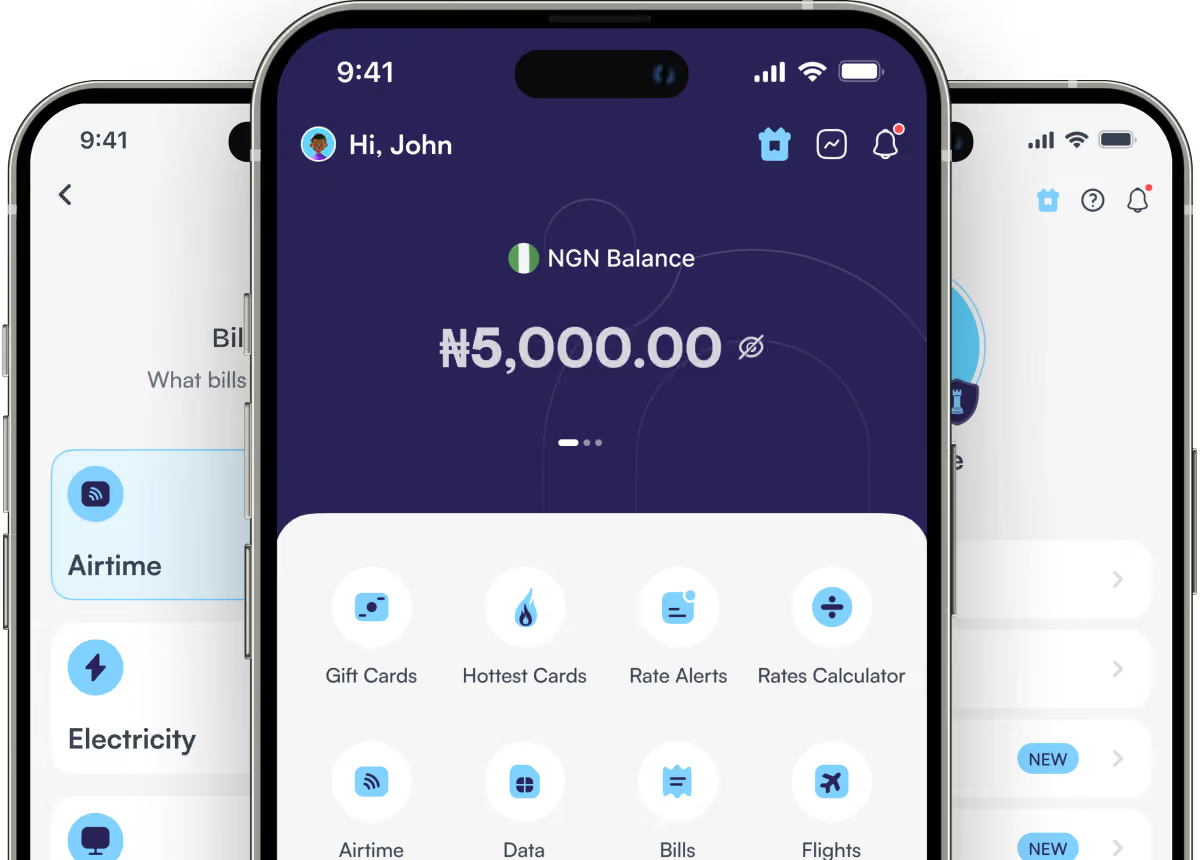
- Open the Nosh app and log in.
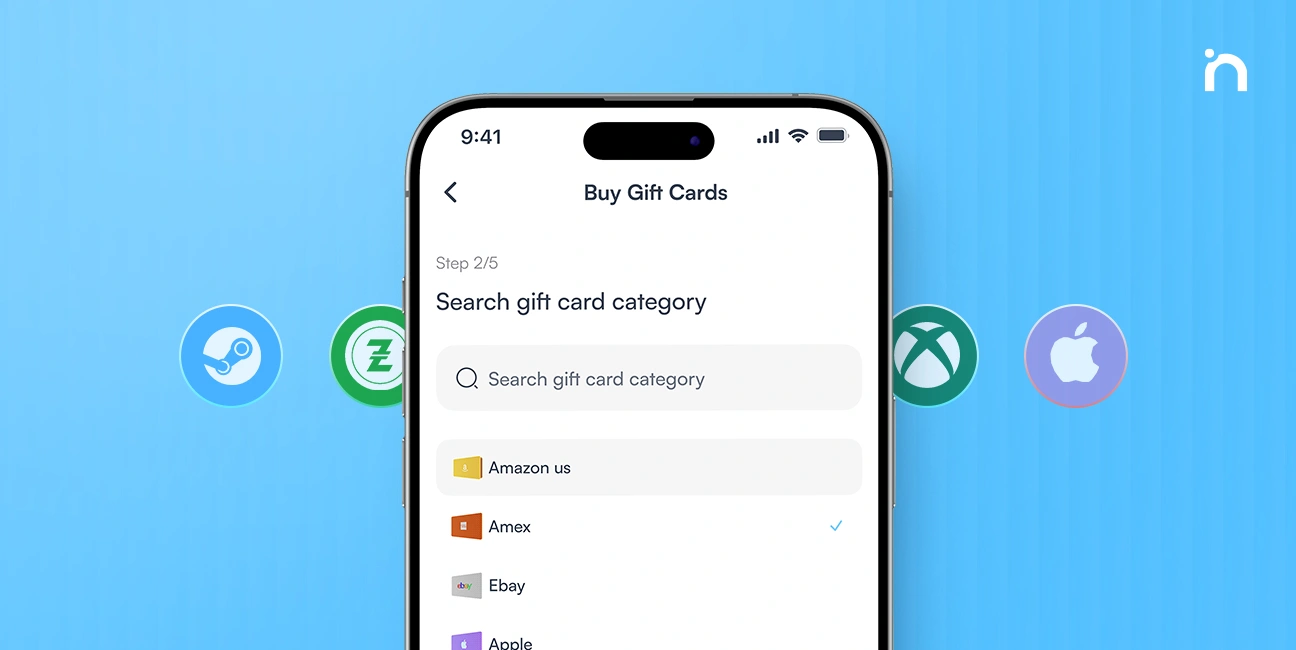
- Tap the option to sell gift cards and choose Apple.
- Enter your card details, check today’s rate in naira or cedis, and continue.
- Continue through the prompts to complete the trade and receive your payment.

Rates move with demand and denominations, so check the Apple rate calculator before you start, or see our guides for $100 and $200 cards. You can sell your Apple gift card in minutes, and older iTunes gift cards trade the same way, as our guide to sell iTunes gift cards explains.
Nosh also lets you buy airtime and pay bills, so it is worth a look once your trade is done.
What Questions Do People Ask About Apple Gift Card Photos?
Can Businesses Sell Apple Gift Cards in Bulk?
Yes. Corporate sellers do best with one photo standard for every card in a batch, so records stay consistent and easy to audit. Watermarking the images you keep for listings also helps prevent misuse.
How Do I Redeem an Apple Gift Card Using My Photo?
First, check that the code is readable in your photo, and note whether the card arrived digitally by email or message. Then enter the code in your Apple Account or Wallet to redeem it at Apple Stores and online.
Afterward, check your balance to confirm the funds, then discover what they cover: apps, games, music, and movies. If the card arrived by email, keep the link handy, and see how to redeem Apple gift cards or redeem iTunes gift cards for the full steps.
What Should I Do If My Photo Is Too Blurry to Read?
Retake it, make sure all four edges of the card are visible, and fix things like glare or shadows before you try again. If a code still won’t work after you enter it, our error message guide explains the common fixes.
What Else Can I Do With an Apple Gift Card?
If cash is your goal, sell the card first, then use a trusted crypto conversion or gift card trading app. Otherwise, you can buy an Apple gift card and spend it on apps, games, subscriptions, and music in the App Store, among other things.
Apple gift cards now work as one unified card, per Apple’s website, which explains why older App Store and iTunes gift cards often have a blue patterned background or solid blue or gray designs. They only work on Apple services, so they won’t pay for Google Play purchases, and Android users need a Google Play card instead.
For airtime and bills, use regular payment methods or fintech apps, because Apple warns that using its cards for non-Apple items or bills may lead to scams. For more, explore our Apple gift card guide, browse gift ideas, or learn why Nigerian payment cards fail on Apple Music.