Digital transfers have become easier over the years with the presence of platforms like Cash App. However, if you’re like me and have racked up an insane number of gift cards, you’re probably wondering how to transfer them all to Cash App.
It took me a few hours to figure it out, but thanks to this article, it’ll only take you a few minutes.
In this guide, I will break down the different ways to transfer your gift card funds to Cash App. This way, you can monitor your balance online, conveniently and promptly, like a 21st century human.
Different Ways To Transfer Money From Gift Cards To Cash App
There are three main methods you can use to convert gift cards to Cash App balance.
- Adding gift card to cash app directly
- Selling the gift card
- Using PayPal
Now, let’s break each of them down.
1. Add Gift Card Directly To Cash App
Yes, you can add your gift card directly to Cash App. However, this method is only possible if you have an open-loop gift card option, like MasterCard, Visa, Discover, or American Express.
Here are the steps to take:
- Sign up and log in to the Cash App on your device
- Navigate to the bottom of the screen and select “Balance”
- Tap on the “Add Cash” option and enter the amount you want to transfer
- Tap on the “Add” button and choose the type of gift card that you have
- Input the gift card details which include the card number, CVV code, and expiration date.
- Complete the transaction by hitting the “Add Card” button.
Once done, the money will be transferred from the gift card to your Cash App balance.
2. Sell Your Gift Card For Cash
This method is viable if you have a closed-loop gift card that Cash App does not accept, like Amazon gift cards, Google Play gift cards, eBay gift cards, and related gift cards. You can simply sell your gift card for cash and transfer the money to your Cash App account.
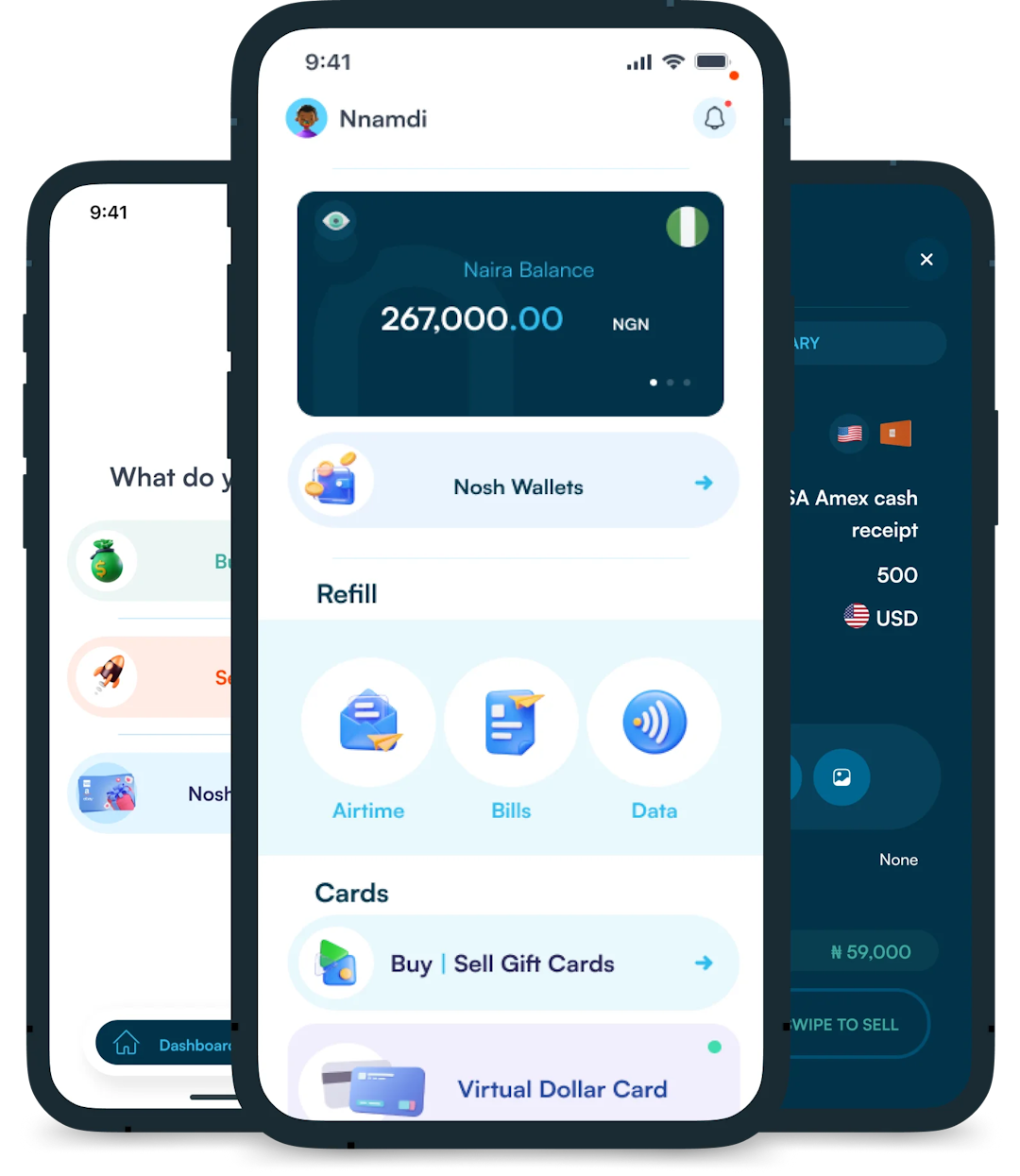
This is where gift card trading platforms like Nosh shine. Within a few minutes, you can easily sell your gift card for cash on the Nosh website or mobile app.
Follow these outlined steps to quickly do that:
- Create an account on Nosh and verify your account.
- Log in and select the “Sell Gift Card” option.
- Select the gift card category and subcategory e.g. GameStop and USA GameStop Ecode.
- Enter the amount on the gift card you want to sell.
- Upload the image of the gift card. If you have a digital code instead, type it out in the comment field.
- Proceed and complete the trade. Your bank account will be credited once the transaction is approved.
After this, you can go ahead to add the funds you just received to your Cash App. Follow these steps:
- Log in to the Cash App on your device.
- Tap on the “Balance” tab at the bottom of the screen.
- Select the “Add Cash” option.
- Type in the amount you got from the gift card exchange on Nosh.
- Confirm the transaction. Once done, the fund will be added to your Cash App balance.
3. Use PayPal To Transfer Money From Gift Card To Cash App
Another way to transfer money from a gift card to Cash App is by first adding the card to PayPal and then transferring the funds to Cash App.
Here are the steps to follow to link your gift card to PayPal:
- Create an account on PayPal and log in
- Scroll to the “Wallet” section.
- Click the “+” icon to add a payment method
- Select “Link a Card” and enter your gift card details.
- Confirm the card is successfully added.
To transfer the funds from your Paypal to Cash App, follow these steps:
- Log in to your Cash App account and click on the “My Cash” tab.
- Click on the “Add Cash” option.
- Select the “Add from PayPal” option
- Input the amount you want to transfer from your PayPal to Cash App.
- Once it’s processed, the fund will be added to your Cash App.
Related Article: Easy Ways to Transfer Money from Chime to Cash App
Frequently Asked Questions About Adding Gift Card to Cash App
- What Gift Cards Can I Add to Cash App?
You can add open-loop gift cards like Visa, MasterCard, American Express, and Discover to Cash App. However, store-specific gift cards, like eBay, are not accepted.
2. Can I Transfer Money From a Gift Card to Cash App?
Yes, you can transfer money from a gift card to Cash App. All you have to do is link the gift card to your Cash App account, and transfer the funds to it.
3. Are There Any Fees When Transferring a Gift Card to Cash App?
No, adding a gift card to Cash App is free and straightforward.
4. What Should I Do if the Gift Card Is Not Accepted on Cash App?
If your gift card isn’t accepted on Cash App, sell the gift card for cash on Nosh and add the cash to Cash App.
Conclusion
Moving money from a gift card to Cash App makes it easier to send money and make purchases. If you have a Visa, MasterCard, Discover, or American Express gift card, you may be able to add it directly to Cash App. But if you have a store gift card, you’ll need to sell it for cash or transfer the balance through PayPal.
By using the steps in this guide, you can turn your gift card into Cash App money quickly and easily. If one method doesn’t work, try another.