A Quick Refresher on eBay and Its Gift Cards
eBay is a global online marketplace where people buy and sell items—everything from fashion and tech to cars and collectibles. Launched in 1995, it has grown into a go-to platform for millions worldwide.
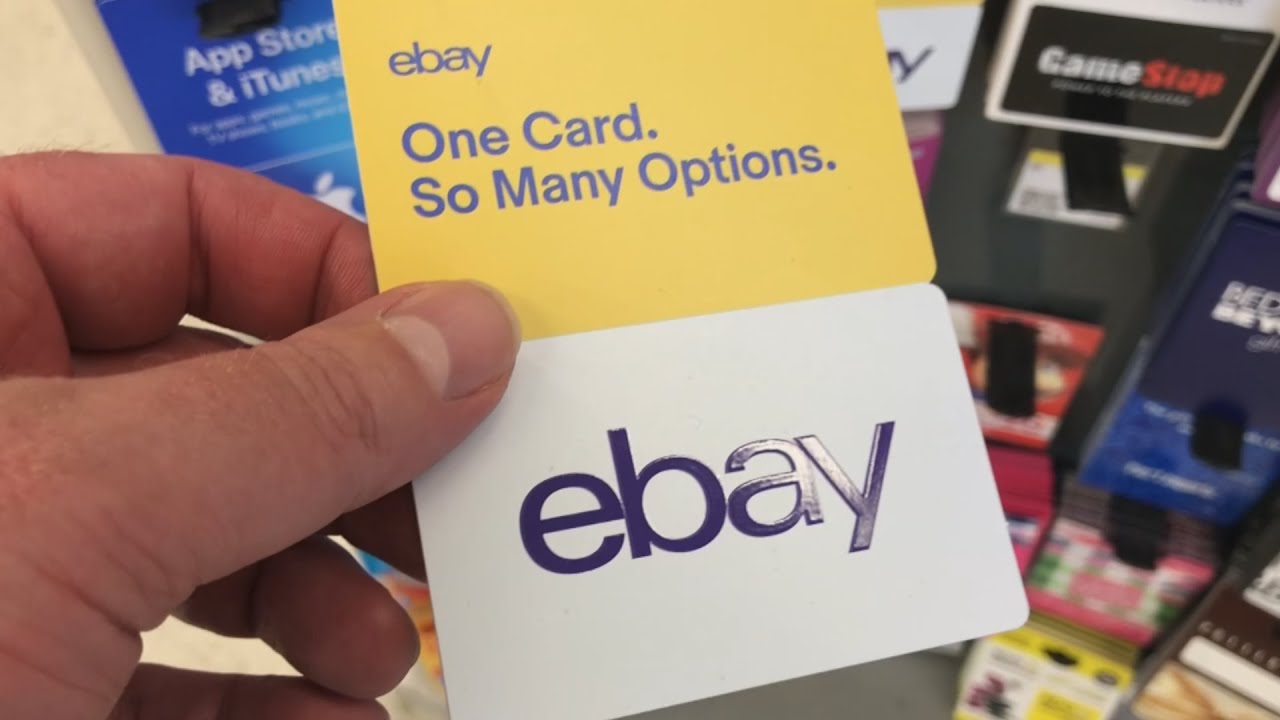
eBay gift cards are a convenient way to shop on the platform. You can use them to pay for anything listed on eBay as long as the seller accepts gift cards.
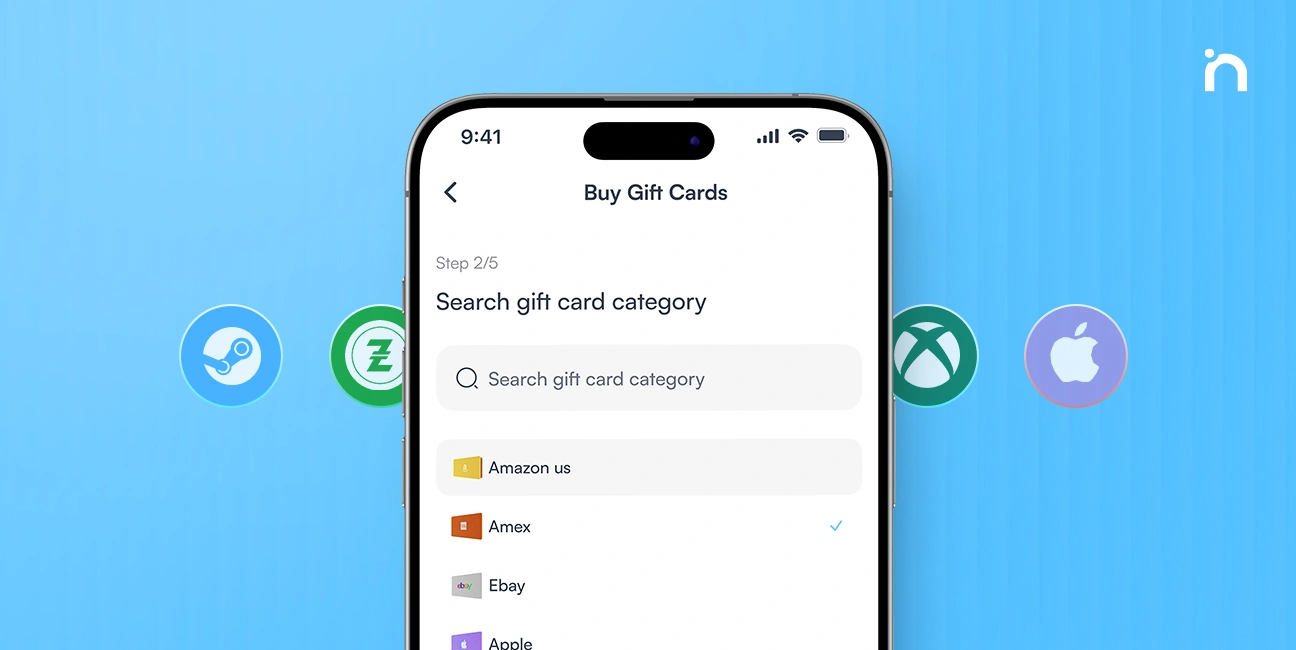
You can find these cards on eBay or from trusted platforms like Nosh. Just like regular gift cards, they act as prepaid funds but are only usable within the eBay system.
Top 6 eBay Gift Card Error Messages
Occasionally, the system produces an error when attempting to redeem a gift card. Here are some of the most common ones and what they usually mean:
1. Gift Card Not Activated
If you don’t activate your eBay gift card correctly, you won’t be able to make purchases on eBay. This message usually suggests the store or third-party seller didn’t activate the card properly at checkout. Please follow the instructions on the card to activate it or contact the seller to resolve this issue.
2. Invalid Card
This error typically appears if the card comes from an unreliable source. It might also mean the card has been reported as stolen or has expired. Always buy gift cards from trusted sources to avoid this issue.
3. Invalid Gift Card Number
If you enter the wrong code, even by one digit, you’ll get this error message. Double-check for typos, especially with letters and numbers. If you believe the code is correct, reach out to the vendor for assistance if the issue persists.
4. Gift Cards Have Expiration Dates
Some users are surprised to learn that eBay gift cards can expire. If you’re seeing an error message and haven’t used the card in a while, the expiration date might be the culprit.
5. Zero Balance or Insufficient Balance
If you’ve used up your gift card balance or seek to buy something that costs more than what’s on the card, eBay won’t let the transaction go through, and you’ll get the error message.
6. Technical Problems
Oftentimes, the problem isn’t with your card; it’s with your browser or device. Outdated browsers, cache issues, or connection problems can all cause an error notification. Try refreshing the page, switching to a different browser, or clearing your browser’s cookies and cache to resolve the issue.
Possible Solutions to Fix eBay Gift Card Errors
You don’t need to stress when you encounter errors with your eBay gift card because, with a few steps, you can solve most of these problems. Below are some possible solutions:
1. Check Your Gift Card Balance
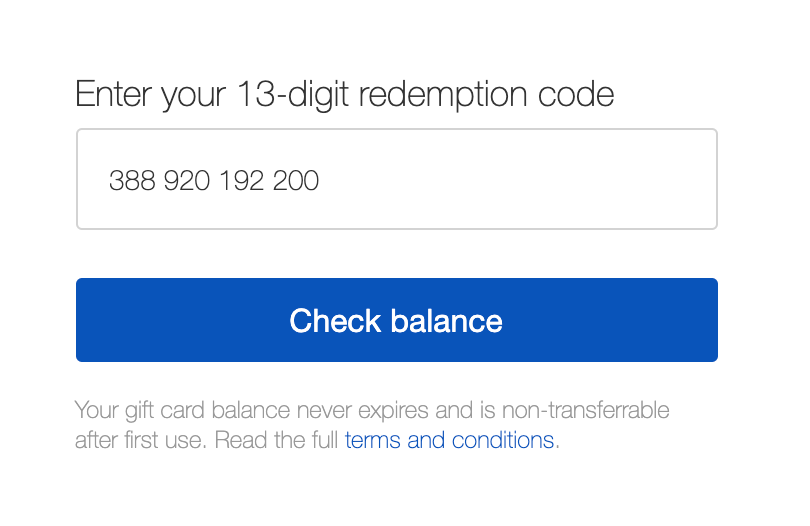
If you’re getting a zero or insufficient balance error, check your card balance online. You can use the online Gift Card Balance Checker or contact the merchant where you bought it. Check your eBay gift card balance and usage history to confirm if any balance remains. It is one of the most effective ways to fix the error.
2. Verify the Card’s Expiration Date
Look at the physical or digital card for the expiration date. The “invalid card error” will always appear when an eBay card has expired. Once a card expires, it can’t be used—so make sure to use it before the expiration date.
3. Contact eBay Customer Support
If you’re still having trouble and the tips above didn’t help, it’s best to reach out to eBay customer support. They can check your gift card status, investigate the cause of the issue, and guide you accordingly. When it comes to fixing error messages, their support team is your most reliable option.
Also Read: How Much is a $100 eBay Gift Card in Nigeria?
Where to Buy Legit eBay Gift Cards
The best way to avoid these issues is to buy from trusted sources. You can buy eBay gift cards directly from eBay or through verified platforms like Nosh. On Nosh, you can buy, store, or even sell your gift cards for cash in Naira or Cedis when you no longer need them.
Frequently Asked Questions about eBay Gift Cards
- Can I use multiple eBay gift cards at once?
Yes, you can use up to eight eBay gift cards per transaction.
- How can I check the balance of my eBay gift card?
Visit the eBay website and go to your account settings to check your balance. You can also check through the link provided in your gift card email or packaging.
- What should I do if my card has sufficient funds and the payment doesn’t go through?
It may be a technical issue. Clear your browser cache, try another device, or contact customer support for assistance.
- Can I get a refund for a faulty eBay gift card?
If you bought the card from eBay or a reputable vendor and it doesn’t work, contact their customer support with proof of purchase for assistance.
- Where can I sell an eBay gift card I no longer need?
Conclusion
eBay gift cards provide a convenient way to shop or give gifts when used correctly, but you can encounter errors when you don’t. These errors include invalid codes, technical issues, or zero balances, and often have straightforward solutions. Just make sure you’re buying from reliable platforms and keep track of your gift card details.
You can sell eBay gift cards for cash on the Nosh app when you no longer need them. Nosh offers the best rates with convenience and secure transactions. Visit the Nosh website today.