Tired of juggling multiple Visa gift cards with awkward leftover balances you cannot use? Or do you need to make a larger purchase, which can be taken care of by merging your different Visa gift card balances?
Whatever your reason is, the first thing you’ll discover if you try to combine different Visa gift cards is that it’s not a straightforward process. That’s because even though Visa gift cards can be used almost everywhere, they are still prepaid debit cards with their unique card numbers.
However, there are some workarounds to combining multiple Visa gift cards, which I’ll discuss in this article.
Before we proceed, here’s what you should know about combining multiple Visa gift cards.
Tips For Combining Visa Gift Cards
- All Visa gift cards have an activation and usage fee attached to them. So keep that in mind and always confirm the value of the different gift cards before using them.
- Read the terms and conditions on your purchased Visa gift cards. This will help you be informed if combining them to buy a single gift card is possible.
- Confirm the feasibility from the cashier if you plan to merge multiple Visa gift cards to make a single purchase.
- Have your gift card numbers and expiry dates at hand before calling customer support to consolidate your funds.
- Conduct your research before you proceed because most card management apps charge a fee to allow you to consolidate your funds.
Six Different Ways To Combine Visa Gift Cards
Here are the different ways you can leverage your multiple Visa gift cards to make a purchase.
1. Use Multiple Visa Cards For A Purchase
Certain physical stores accept multiple cards, so customers can use them to make a single purchase online or in-store. For instance, you have about five Visa gift cards with small balances. You need to pay for a $100 product, but each of your Visa gift cards is within the $15-$25 range. What do you do?
You can inform the attendant that you would like to use multiple Visa gift cards to make payments.
They will confirm the remaining balances on each card to ensure it will cover your expenses. Once confirmed, you can go ahead to make your purchase.
2. Consolidate The Funds On Your Visa Gift Cards
There is an option to use your multiple Visa gift cards to buy a store-specific gift card. Some retailers allow their customers to do this.
So, let’s assume you have three Visa gift cards with $7 each. You will be given a store-specific card worth $28 in exchange for your cards. This means you can now use that $28 gift card to purchase at the store now or later.
3. Add Your Visa Card Balances To PayPal
You can also add your Visa gift cards to your PayPal account via the website or the app.
Once done, you can then use your PayPal as a payment option. A verified PayPal account can accept up to 24 gift cards, while a non-verified account can only take four.
While PayPal is convenient, be aware that an authorization fee of $1 may apply, which will be refunded after a few minutes. If this option doesn’t work for you, here’s what you need to consider:
- Register your billing address with the card issuer.
- Look for a contact website or phone number on the back of your prepaid gift card to complete this registration process.
- You may also get an error message if your prepaid card was not issued in the U.S. or if you are trying to buy from an international merchant.
4. Add your Visa gift cards to Amazon
Tap into the ease of adding Visa gift cards to your Amazon account and use them as a payment option. You can do this through the Amazon web browser or app, and when it’s time to checkout, select the Visa gift card as a payment method.
5. Leverage Card Management Apps
There are online wallet apps that are used for card management services. They include Famzoo, Venmo, Greenlight, Google Pay, and even Apple Wallet. These apps can add your card balances together in one place. You can also track your spending with these apps.
6. Contact Customer Support
Place a call to the customer support number on the back of your gift card. Discuss your request with the customer rep. If they agree to your request, you will need to provide each of your Visa gift card numbers so that they can confirm the remaining balances. The gift card balances will be transferred into one card, and the details will be provided to you.
Advantages Of Using Visa Gift Cards
- Flexibility: Visa gift cards can be used to buy anything. Clothing, fuel, food, and many other items can be purchased with a Visa gift card.
- Convenience: you can use your Visa gift card to make purchases at any store if they accept Visa as a payment option. Visa gift cards are not restricted to a particular store like other store-specific gift cards. You can use them to buy items online or in-store.
- Budgeting: To avoid overspending, you can load a certain amount on your Visa gift card and use it to make a purchase.
- Security: Visa gift cards are not linked to your bank account. You have nothing to worry about if you misplace your Visa gift card or it gets stolen.
- Gifting option: They are great gifts for your loved ones on special occasions.
Frequently Asked Questions About Combining Visa Gift Cards
1. Can I Combine Multiple Visa Gift Cards?
Yes, there are several ways to combine your Visa gift cards online and offline. The best approach is to consolidate the Visa gift card balances together in one place, e.g., card management apps, PayPal, Amazon, etc.
2. Can I Use a Visa Gift Card To Buy Another Gift Card?
Yes, certain retailers allow you to use a Visa gift card to buy other gift card types.
3. Are There Fees Associated With Visa Gift Card?
Some Visa gift cards attract activation and maintenance fees. It’s advisable to read the terms and conditions to familiarize yourself with any existing fees.
4. Can I Add a Visa Gift Card To PayPal?
Yes, you can add your Visa gift card balance to PayPal. Your PayPal can then be used to make payment for further purchases.
5. Can I Use My Visa Gift Card For Online Purchases?
Yes, Visa gift cards can be used for online purchases.
6. How Do I Convert Visa Gift Card To Cash?
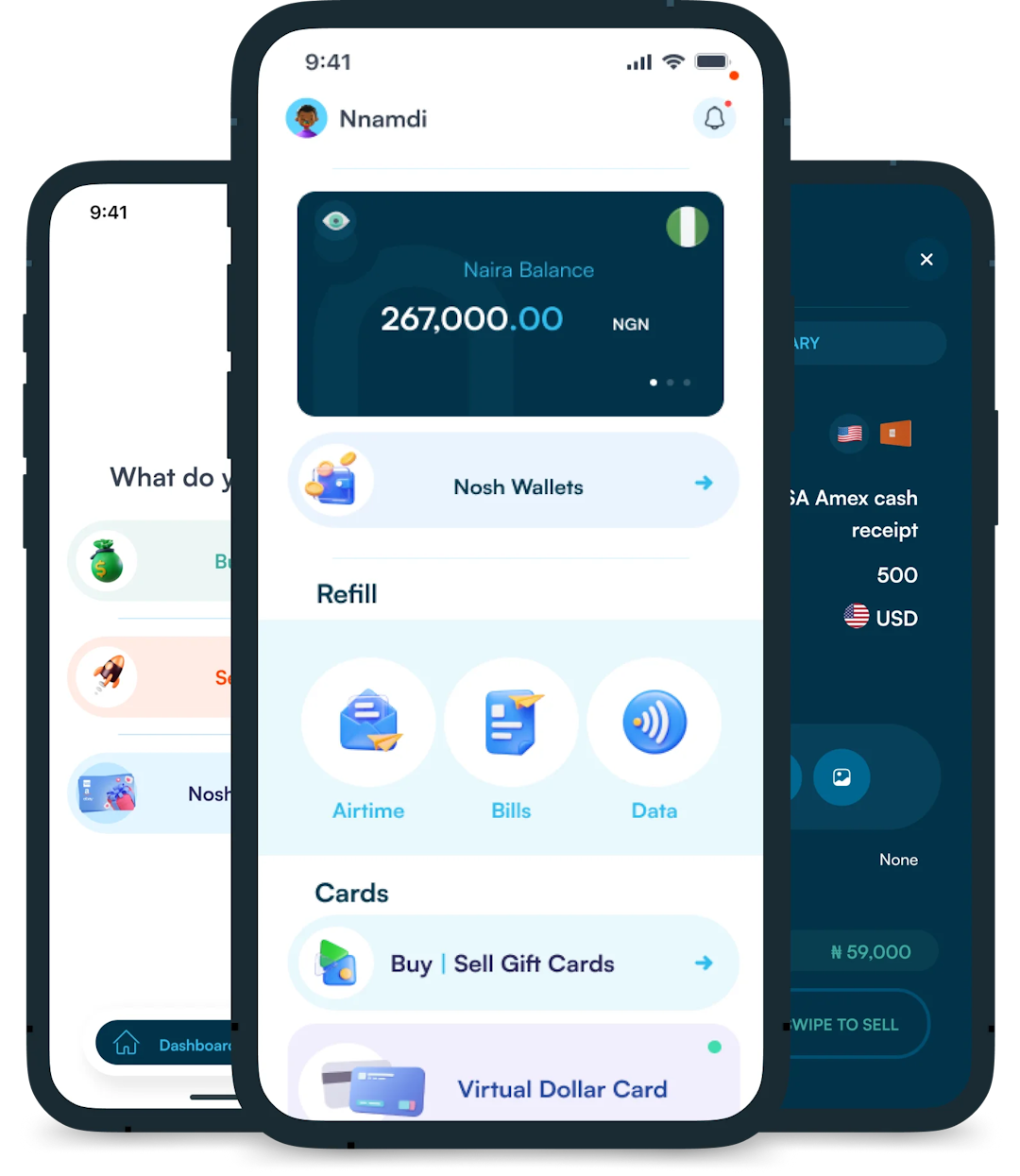
Create an account on the Nosh website or the mobile app. Once you have an account, verify your email address and log in to sell your Visa gift card for cash.
7. Can I Reload A Visa Gift Card?
No, Visa gift cards are generally preloaded with a specific amount. Once used up, you cannot reload an amount on the same gift card.
8. Can I use multiple Visa gift cards on Amazon?
Yes. Amazon allows you to add multiple Visa gift cards to your account and use them individually to make payments.
Conclusion
There might not be a straightforward means to combine your Visa gift cards into a single card; however, you can employ some strategies.
According to this guide, these strategies are consolidating your Visa card funds into a store-specific card, leveraging card management apps, calling customer support, and adding your Visa card to PayPal or Amazon. Regardless of the option you are going for, always make sure to read the terms and conditions of your Visa gift cards.